Team and roles
Give your office manager or a partner their own login. They see the same codes and leads. You choose what they can change.
Roles
- Owner. The person who made the account. Can do everything. Cannot be removed.
- Admin. Can make, edit, and delete codes. Can invite and remove people and change roles.
- Manager. Can view the dashboard, the code pages, and the leads, and can download the print files and the CSV. Cannot change anything. The dashboard hides the edit forms for a manager.
Invite someone
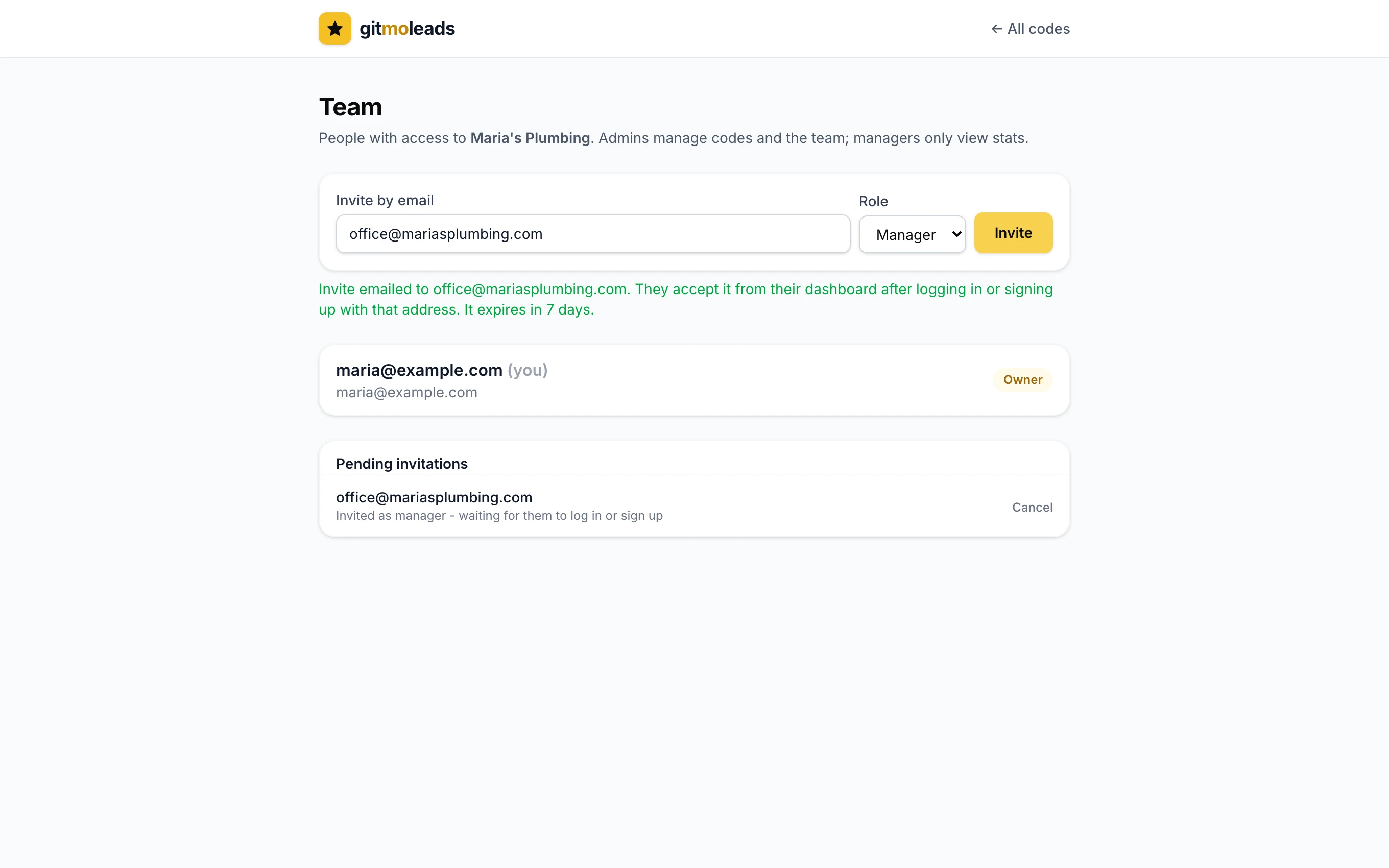
- 1Open TeamIn the dashboard, tap Team in the header. The link appears once your account is saved with an email.
- 2Enter their email and pick a roleTap Invite. They get an email: "You're invited to Maria's Plumbing on gitmoleads."
- 3They acceptThey log in, or make an account, with that same email. The invitation shows at the top of their dashboard with Accept and Decline.
- An invitation expires in 7 days. Invite the same email again to send a fresh one.
- Cancel in the list of pending invitations withdraws it.
- The person needs an account with that email. An account that is not saved has no email, so it cannot accept an invitation.
Switch between accounts
When you belong to more than one account, a dropdown appears in the dashboard header. Your own account is marked (yours). The dashboard remembers which account you had open.
Change a role or remove someone
On the Team page, each member has a role dropdown and a Remove link. You cannot change your own role or remove yourself. Ask the owner or another admin.
Something missing? Ask on the support page.